Creators
Turn a short video script into narration that can be reviewed alongside the edit.
A spoken draft makes pacing and missing context easier to notice.
Luvvoice video narrationVoice workflow
Text to speech online free unlimited tools turn written words into listenable audio without requiring a complicated production setup. Use this Luvvoice guide to understand the input, the voice result, and the choices that shape a useful narration.
The basic transformation
The core variant is simple: provide text, select an appropriate delivery, and receive an audio interpretation. The visual comparison below represents the move from a quiet written draft to a more expressive listening experience.

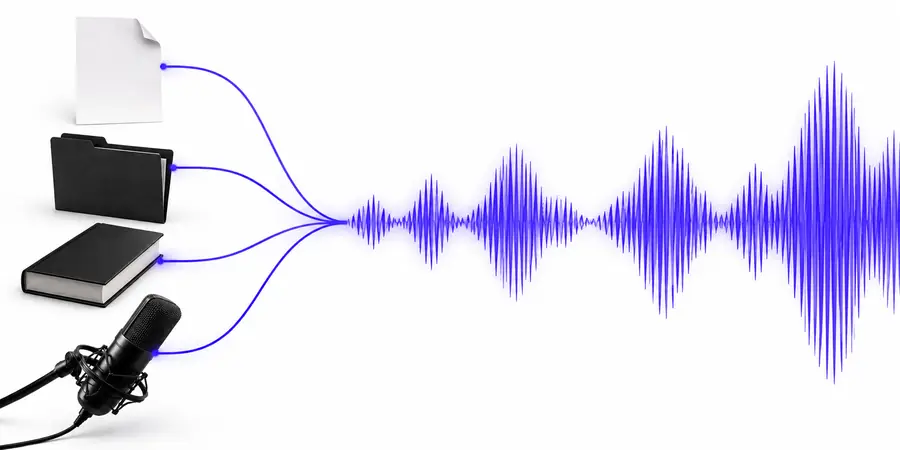 Plain script
Spoken delivery
Plain script
Spoken delivery
A stronger result starts with clear wording, deliberate pacing, and a voice direction that fits the listener.
Input and output
Text-to-speech works as an A-to-B workflow: language is supplied as text, then rendered as speech. These distinctions help you prepare a better source and judge the result more consistently.
Text input
Spoken output
Text input
A written script, message, lesson, or note
Spoken output
An audio rendition of the supplied words
Text input
Meaning, spelling, structure, and punctuation
Spoken output
Pacing, pronunciation, emphasis, and tone
Text input
Use short paragraphs and unambiguous wording
Spoken output
Choose delivery that matches the audience and context
Text input
The intended words and sequence
Spoken output
The message, interpreted through vocal delivery
Text input
Pauses suggested by punctuation
Spoken output
Rhythm, emphasis, and perceived personality
Text input
Read the script aloud before submitting it
Spoken output
Listen for awkward pauses, names, and unclear phrases
Practical uses
Different listeners need different kinds of narration. Start with the job your words must do, then shape the direction around clarity, attention, and the time available for review.
Turn a short video script into narration that can be reviewed alongside the edit.
A spoken draft makes pacing and missing context easier to notice.
Luvvoice video narrationPrepare a lesson recap or reading companion from a structured text outline.
Learners can revisit the material through a listenable version of the same message.
Luvvoice lesson audioConvert an internal announcement into a clear voice-led briefing.
The message gains a consistent delivery that is easy to review before sharing.
Luvvoice team briefingsListen to dialogue, introductions, or long-form passages while revising.
Hearing the draft can reveal repetition, abrupt transitions, and sentences that need tightening.
Luvvoice writing reviewSimple process
Luvvoice is easiest to evaluate as a three-part sequence: prepare the words, describe the delivery, and inspect the spoken result before using it.
Clean up spelling, names, punctuation, and paragraph breaks so the source is easy to interpret.
State the intended mood, pace, audience, and pronunciation notes in plain language.
Review the audio, adjust unclear passages or tone, then repeat only where the result needs work.
Prompt examples
A useful direction tells the voice what to do, not just what words to read. These example prompts show how a small amount of context can guide a more intentional result.
 Welcome
1
Welcome
1
Read this welcome message in a warm, clear voice with a brief pause after the greeting and a confident closing.
 Update
2
Update
2
Deliver this morning update with an upbeat but calm tone, natural pauses between items, and extra clarity on times and names.
 Storytelling
3
Storytelling
3
Narrate this ocean passage slowly and gently, leaving space between images so the listener can follow the atmosphere.
Adapt each prompt by changing the audience, pace, pronunciation notes, and emotional register while keeping the script itself precise.
Start with a script
Use Luvvoice when you want to move from written content to a reviewable spoken version. Begin with one short passage, describe the delivery you want, and listen before expanding the workflow.
Create spoken audioVariant FAQ
It describes an online workflow that converts written text into spoken audio while emphasizing free access and no stated usage ceiling. The exact limits, conditions, and available controls depend on the service providing the tool, so review the current product experience before planning a large batch.
Most workflows are best suited to clean, readable text such as scripts, notes, lessons, announcements, and short articles. Unusual spelling, dense formatting, names, abbreviations, and dialogue may need manual review so the spoken result matches your intent.
Write with listening in mind: use clear punctuation, shorter paragraphs, and explicit pronunciation guidance where needed. You can also describe the intended pace, audience, and emotional register instead of relying on a vague instruction such as “sound natural.”
It can be a useful starting point for long projects, but suitability depends on the service's current limits, output behavior, and review process. Test a representative passage first, especially if your project includes many names, technical terms, or multiple speaking styles.
Listen for mispronounced names, missing pauses, unnatural emphasis, and wording that sounds different from how it reads on the page. Confirm that the result communicates the intended message and that your use of the text and audio follows the relevant permissions.