Tutorial guide
How to use luvvoice ai voice with confidence
This guide explains how to use luvvoice ai voice from a prepared script to a cleaner spoken result. Follow the workflow in order, then adjust wording, pacing, and pronunciation for your intended listener.
A little preparation makes the voice workflow easier to review and refine. These related guides cover the surrounding questions before you begin.
Common errors and fixes
The route is useful for turning prepared text into a voice draft, but it is not a substitute for editing, pronunciation review, or final production checks.
-
It cannot repair unclear writing
A voice tool can read a sentence, but it cannot reliably decide what you meant when the script is vague, repetitive, or poorly punctuated.
WorkaroundRewrite long sentences, state the subject directly, and split dense paragraphs before generating a new draft.
-
It cannot guarantee the perfect pronunciation
Names, abbreviations, specialist terms, and borrowed words may not sound as you expect on the first attempt.
WorkaroundSpell out difficult terms, add pronunciation-friendly wording, and listen closely to every proper noun.
-
It cannot replace a final listening review
A generated voice draft may contain pacing, emphasis, or tone choices that look fine on the page but feel wrong when heard.
WorkaroundListen from start to finish, mark awkward moments, revise the source text, and check the complete result again.
-
It is not a complete audio-editing suite
The voice workflow starts with text and a generated reading; it does not remove the need for separate editing when a project needs music, effects, or detailed mixing.
WorkaroundTreat the generated speech as a clean starting asset and use an appropriate editor for the final production.
Numbered steps
Use this three-stage process whenever you want a repeatable way to prepare, generate, and review a voice result.
-
1
Prepare the script
Write for the ear rather than the screen. Use short paragraphs, natural punctuation, explicit transitions, and wording that sounds conversational when read aloud. Remove instructions that should not be spoken, such as stage directions or notes to an editor.
-
2
Generate a first draft
Open the voice workflow, place the prepared text into the relevant input, and choose the voice or presentation that best matches the intended audience. Start with a manageable passage so you can judge tone and pacing before processing a longer script.
-
3
Listen, revise, and repeat
Review the complete passage with headphones or speakers. Note mispronounced terms, rushed sentences, flat transitions, and pauses that feel unnatural. Edit the text, generate another draft, and compare the new reading with the previous version.
Advanced tips
The most useful improvements usually come from changing the source text, not from adding complexity. Compare a rough script with a version prepared specifically for spoken delivery.
Rough written copy
Voice-ready copy
Sentence length
Rough written copy
Several ideas packed into one long sentence.
Voice-ready copy
One main idea per sentence with clear pauses.
Punctuation
Rough written copy
Commas and line breaks used mainly for visual layout.
Voice-ready copy
Punctuation placed where a listener should pause or change direction.
Numbers
Rough written copy
Digits and symbols left in their shortest written form.
Voice-ready copy
Numbers written in a way that is easy to hear and understand.
Abbreviations
Rough written copy
Initialisms and shortened terms used without context.
Voice-ready copy
Terms expanded or rewritten when the spoken form could be unclear.
Emphasis
Rough written copy
Important words are implied by typography or bold styling.
Voice-ready copy
The sentence order makes the important word clear through context.
Paragraph rhythm
Rough written copy
Dense blocks that look efficient on a page.
Voice-ready copy
Short sections that give the listener regular points to reset.
Audience context
Rough written copy
Assumes the reader can scan backward for missing details.
Voice-ready copy
Repeats essential context because audio is heard linearly.
A better review routine
Use these checkpoints as a practical quality-control routine rather than treating the first generated reading as final.
- 1 Read the script aloud yourself before generating it.
- 1 pass
- 2 Check both the opening and the complete result for pacing.
- 2 listens
- 3 Review names, numbers, transitions, and the closing line.
- 3 checks
Before and after
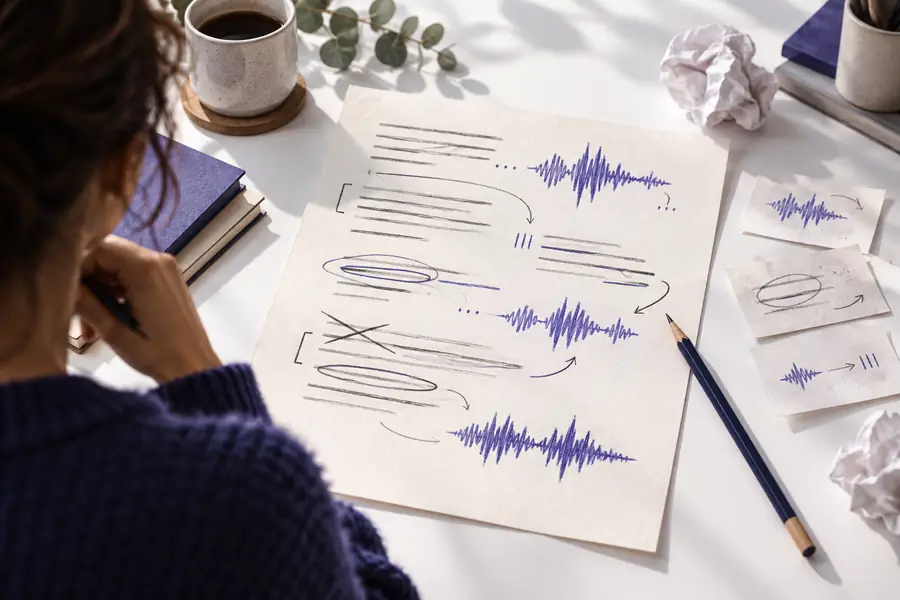
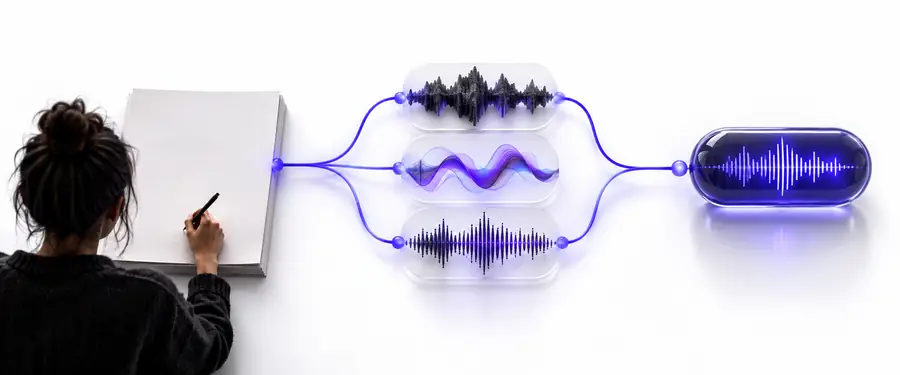
Small wording changes can make a script easier to hear. The before version is written for scanning; the after version is shaped around pauses and spoken clarity.
- Before editing
- After editing
Edit the text, then listen again.
Put the workflow into practice
Turn your next script into a voice draft
Start with a short, clearly written passage instead of an entire project. Generate one draft, listen for the issues that matter most to your audience, and revise the source text before expanding the workflow to longer material.
Create a voice draft- Prepare text for listening, not scanning
- Review pronunciation and pacing
- Revise before treating the result as final
Tutorial FAQ
Prepare a short script with clear punctuation and remove any notes that should not be spoken. Enter the text in the voice workflow, create a first draft, and listen through it before preparing a longer passage.
Have a reasonably final script, a clear audience, and an idea of the tone you want. It also helps to identify names, numbers, abbreviations, and technical terms that may need special attention during review.
Write shorter sentences, use punctuation to indicate natural pauses, and organize the script into brief spoken sections. If a passage sounds awkward, revise the wording and generate another draft rather than relying only on visual editing.
Names, abbreviations, specialist vocabulary, and unfamiliar spellings can be ambiguous in written text. Try expanding the term, changing the spelling to guide pronunciation, or rewriting the sentence so the intended meaning is clearer.
Yes. A short preview can reveal tone, but only a complete listen will expose pacing changes, repeated issues, awkward transitions, or a weak ending. Treat the first result as a draft and complete a final review before publishing or sharing it.